Automate IT operations across your entire organization.
Start with one use case or automate entire IT operations. Integrate with existing tools or consolidate them over time.
Trusted by IT teams at leading enterprises









Most IT platforms help you manage IT. Anakage helps you automate it.
Whether you're replacing multiple tools or extending the ones you already own, the goal is the same: less manual work, fewer tickets, faster resolution and lower operating costs.
More work as you grow
- Detect issues and create tickets
- Add more tools to fill operational gaps
- Rely on manual intervention for repetitive tasks
- Scale support teams as endpoint count increases
Automation as the operating model
- Prevent and resolve issues before users raise tickets
- Automate onboarding, offboarding, patching and service workflows
- Consolidate capabilities where it makes sense, integrate where it doesn't
- Scale IT operations through automation, not headcount
Automate IT operations
From understanding how every device behaves to the automation that resolves issues — Anakage covers the whole lifecycle, including full ITSM.
See exactly how every device is performing
Full Digital Employee Experience (DEX) across your whole fleet — boot times, crashes, resource use and app health — turned into actionable insights that show you exactly what to fix and where.
Stop issues before they become tickets
Always-on agents watch every endpoint, self-heal common failures silently, and turn experience data into proactive fixes — so problems are resolved before an employee ever notices.
Instant fixes, right where employees work
When users do need help, a virtual agent and in-app guidance walk them through the fix — or solve it for them. Most issues never reach a human, and the ones that do arrive with full context.
Full ITSM, ticketing, assets and devices
Run incidents, service requests, problems and changes end to end, keep a live CMDB, track every asset, manage identity and access, and control devices — the management layer your team works in every day.
Automate, orchestrate and remediate
Hyperautomation across the lifecycle: automate before the ticket to prevent it, and after the ticket to orchestrate it — onboarding, offboarding, access changes, patching and software delivery. Authored once, no code, deployed fleet-wide.
One AI layer across every stage — on your terms
An optional agentic layer reasons across the whole lifecycle: ask in plain language and it acts across your tools together, not one at a time. It runs on Anakage’s own modules and data, or orchestrates ServiceNow, Intune and AD — on-premise, on your own models, governed and fully audited.
Rationalize where it makes sense
Replace point solutions. Or keep existing investments and use Anakage as your automation layer. Either way, operational complexity goes down.
Outcomes IT leaders can measure
Results achieved by organizations using Anakage to automate service delivery, endpoint operations, compliance, onboarding, software deployment, and employee support.
Lower Mean Time to Resolution
Empowered employees to resolve common device issues themselves while automated remediation handled recurring software problems.
Financial services · 5,000 endpoints Source: Anakage case study Read the case study →Faster Enterprise Software Rollouts
Reduced SAP deployment effort from hours per user to a largely automated process across more than 1,000 employees.
Manufacturing · 1,000+ users Source: Anakage case study Read the case study →Faster Employee Onboarding
Accelerated workforce adoption with guided workflows and contextual support, even in disconnected environments.
Logistics · WMS rollout Source: Anakage case study Read the case study →Endpoints Continuously Audit-Ready
Automated compliance controls and time synchronization across regulated production and quality systems.
Pharma · regulated Source: Anakage case study Read the case study →Users Supported Through Automation
Automated printer provisioning across a distributed enterprise spanning 1,200+ locations with minimal IT intervention.
Enterprise · 1,200+ branches Source: Anakage case study Read the case study →Routine AD Operations Automated
Eliminated manual onboarding and offboarding activities through identity and access automation at scale.
Telecom infrastructure Source: Anakage case study Read the case study →Customer references available on request.
Verified reviews from real teams
Shifted us from reactive troubleshooting to proactive device-health and compliance — automation cut operational effort and prevented failures before they happened.
Self-heal and self-help quietly fixed recurring disk, performance and app issues — repeat tickets dropped and device health improved.
Out-of-the-box solutions deploy fast, with real-time dashboards plus condition-based auto-fixing, Campaigns and scoring.
Very satisfied with the platform and the support from top management — the product roadmap is heading in the right direction.
A dependable platform for scaling IT operations while keeping performance and compliance in check.
Shifted us from reactive troubleshooting to proactive device-health and compliance — automation cut operational effort and prevented failures before they happened.
Self-heal and self-help quietly fixed recurring disk, performance and app issues — repeat tickets dropped and device health improved.
Out-of-the-box solutions deploy fast, with real-time dashboards plus condition-based auto-fixing, Campaigns and scoring.
Very satisfied with the platform and the support from top management — the product roadmap is heading in the right direction.
A dependable platform for scaling IT operations while keeping performance and compliance in check.
Summarised from verified public reviews on Capterra and other platforms.
Helping IT teams learn from each other
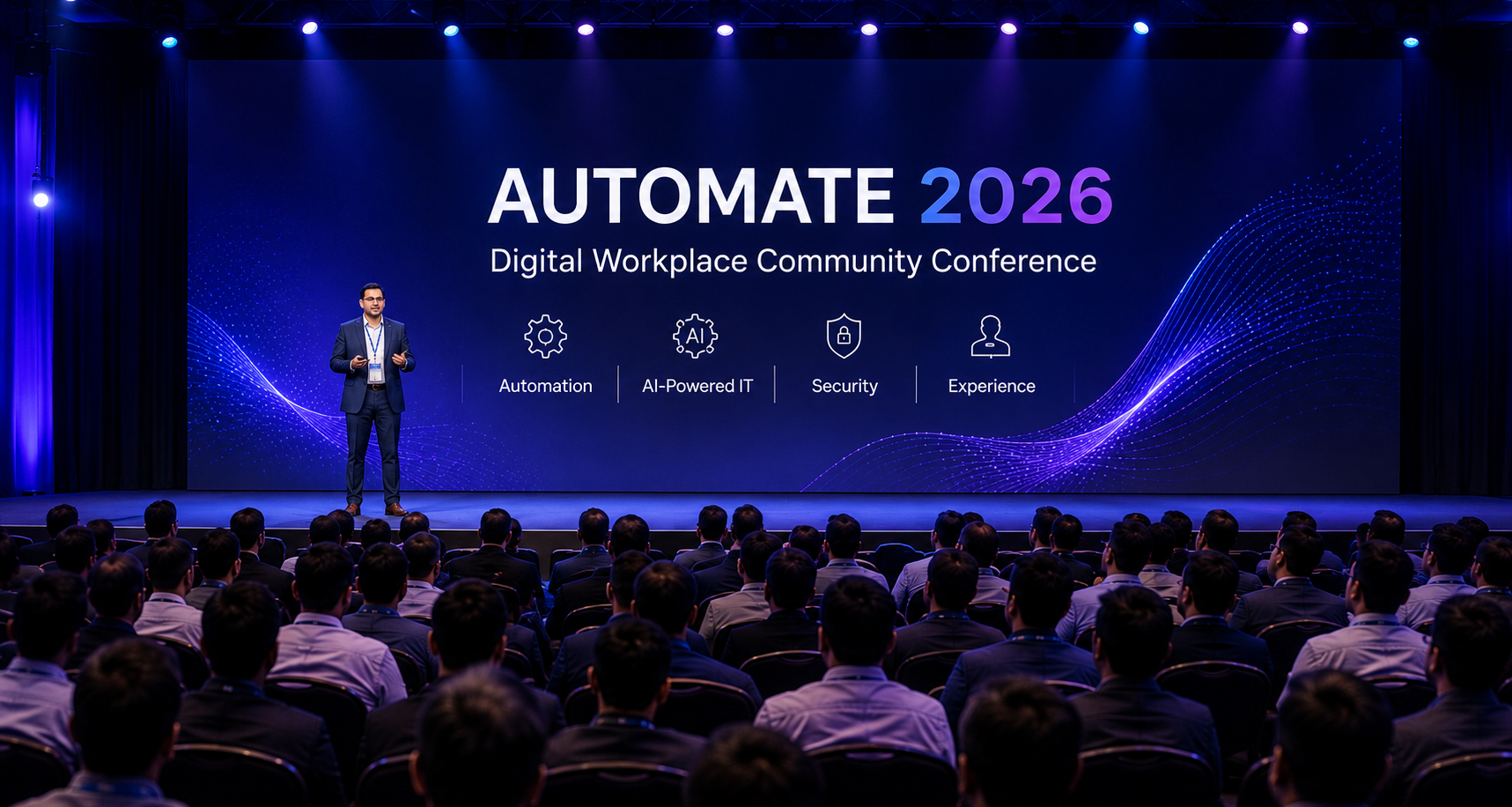
Through Automate and our year-round practitioner forums, we bring together IT leaders and operations teams to share real-world experiences, proven practices, and practical lessons from managing modern digital workplaces.
Proven at scale, certified, and globally supported
Independently certified, governed by design, and backed by a team that supports enterprises across three continents.
Secure and governed by design
Your data stays inside your perimeter. Anakage is independently certified and audited, with role-based controls, human-in-the-loop approvals and a complete audit trail.


Questions from CIOs, IT Teams & Security Leaders
Whether you're replacing multiple tools or enhancing an existing stack, here are the questions we hear most often.
What exactly is Anakage?
Do I need to replace ServiceNow, SCCM, Intune, Jira, or my existing tools?
Should we deploy the full platform or start with a specific use case?
How does Anakage reduce service desk workload?
Does Anakage include ITSM, endpoint management, patching, and asset management?
Can Anakage help with ISO 27001, SOC 2, and endpoint compliance?
Does it work offline, on-premise, or in the cloud?
What is the AI layer and is it mandatory?
How long does deployment take?
How is Anakage licensed?
See your entire IT lifecycle run autonomously
A live walkthrough tailored to your environment — no generic slides, just your workflows automated.